

Why parked trucks need a different kind of security
A truck pulls into a rest area for the night. The driver turns off the engine and goes to sleep. If someone approaches the fuel tank during the stop, the driver may only notice a change in fuel level the next morning.
A location pin tells the fleet where the truck was parked. A fuel sensor can flag a change in fuel level. Video gives the team a way to check what happened near the tank.
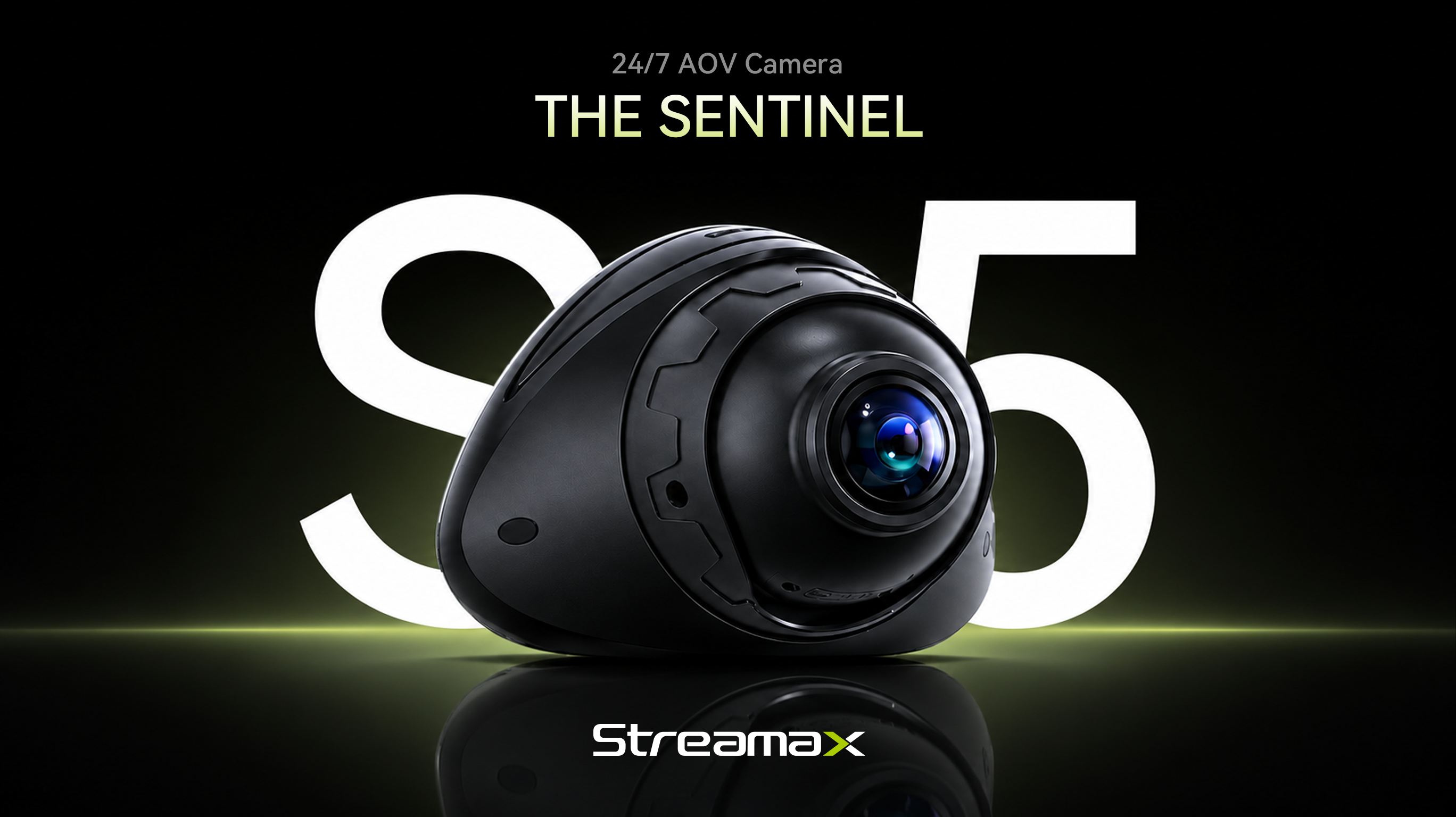
A camera still needs power after the engine shuts off. S5 uses a low-power recording mode for parked vehicles and focuses its AI detection on activity near the fuel tank to help reduce false alarms.
How S5 keeps watch when the engine is off
S5 uses Always-on Video, or AOV, to keep recording at intervals while reducing power consumption during parking.
In AOV mode, the camera wakes at configured intervals, checks the scene and records frames. This gives fleets a way to maintain a visual record without relying on continuous recording at the normal video frame rate throughout a stop.
For an operator, the benefit is easier to understand than the technology: a parked truck can remain part of the fleet's monitoring routine after the ignition is switched off. That matters at a rest stop or when a vehicle waits in a yard between assignments.
Power planning still matters. Operating time depends on the vehicle's power supply, camera settings and usage. The monitoring setup should match how long the truck usually stands and how the fleet manages battery protection.
Consider a vehicle that returns to base every evening compared with one left parked between longer assignments. Their monitoring needs may look similar, but the available power and parking duration differ. AOV gives fleets a lower-power operating option they can configure around those conditions, rather than treating every stop as the same situation.
Spot suspicious activity near the fuel tank
S5 performs on-device face localization solely to analyze activity patterns—such as a person lingering near or making contact with the vehicle—and outputs event alerts without identifying individuals.
Installers position the camera so it can see the fuel tank and the area a person would use to approach it. They then calibrate the detection zone for that truck's layout.
When an alert comes in, the operator can review the footage to see what the person was doing near the tank and decide whether to investigate further.
A person standing beside a truck may have a legitimate reason to be there. The footage helps staff make that judgment in context, following their own security procedures.
The fleet's response process should specify who reviews an alert and when to contact the driver or site team.
See more of what happens after dark
At night, a recording is useful only if the team can make sense of it. A dim yard or an unevenly lit parking area can make activity around a vehicle difficult to assess.
S5 supports black light imaging for low-light monitoring. Its imaging capabilities help fleet teams review the scene after dark and see more of the activity around the installed camera's field of view.
That visual context can help answer practical questions. Was someone near the fuel tank? What happened before they left the scene? Which part of the recording should the team examine more closely?
Results depend on the available light, camera position and scene conditions. Checking night footage at the intended installation point is therefore part of evaluating the system. The goal is a view that supports review in the places where the truck actually parks.
Fit S5 into the way your fleet works
S5 combines video monitoring with 4G connectivity, GNSS positioning, Wi-Fi and local storage. Together, these capabilities support remote video access and playback, with location information to help teams understand where the vehicle is. Remote access depends on network availability and the supported platform configuration.
For managers responsible for vehicles across several locations, this can make it easier to check an event without first travelling to the truck. Local recording also provides footage for later review within the configured storage limits.
Installation should start with the area that needs monitoring. S5 supports magnetic attachment and screw-fixed mounting, giving installers options for suitable vehicle surfaces and deployment requirements. A secure mounting position, appropriate power connection and calibration are all part of the setup.
Professional installation helps align the camera view and detection areas with the intended task. Once it is installed, the fleet should establish who reviews alerts and what happens when an event needs attention.
Before expanding across the fleet, teams can check a representative installation during a normal parking shift. Reviewing the camera angle, night images and alert handling together helps establish a repeatable setup for vehicles with similar layouts and patterns of daily use.
Parking monitoring fits into the broader Streamax Trucking Solution, helping fleets consider asset security alongside the demands of daily transport operations.
Evaluate parking security on your own fleet
Start with the trucks and parking locations where fuel theft is a concern. Check the camera's view of the tank at night and agree on who will review alerts.
The demo can cover camera placement for your tank layout, what AOV records during a stop and how your team can review the footage. Request an S5 demo to discuss the right configuration for your fleet's parking security needs.